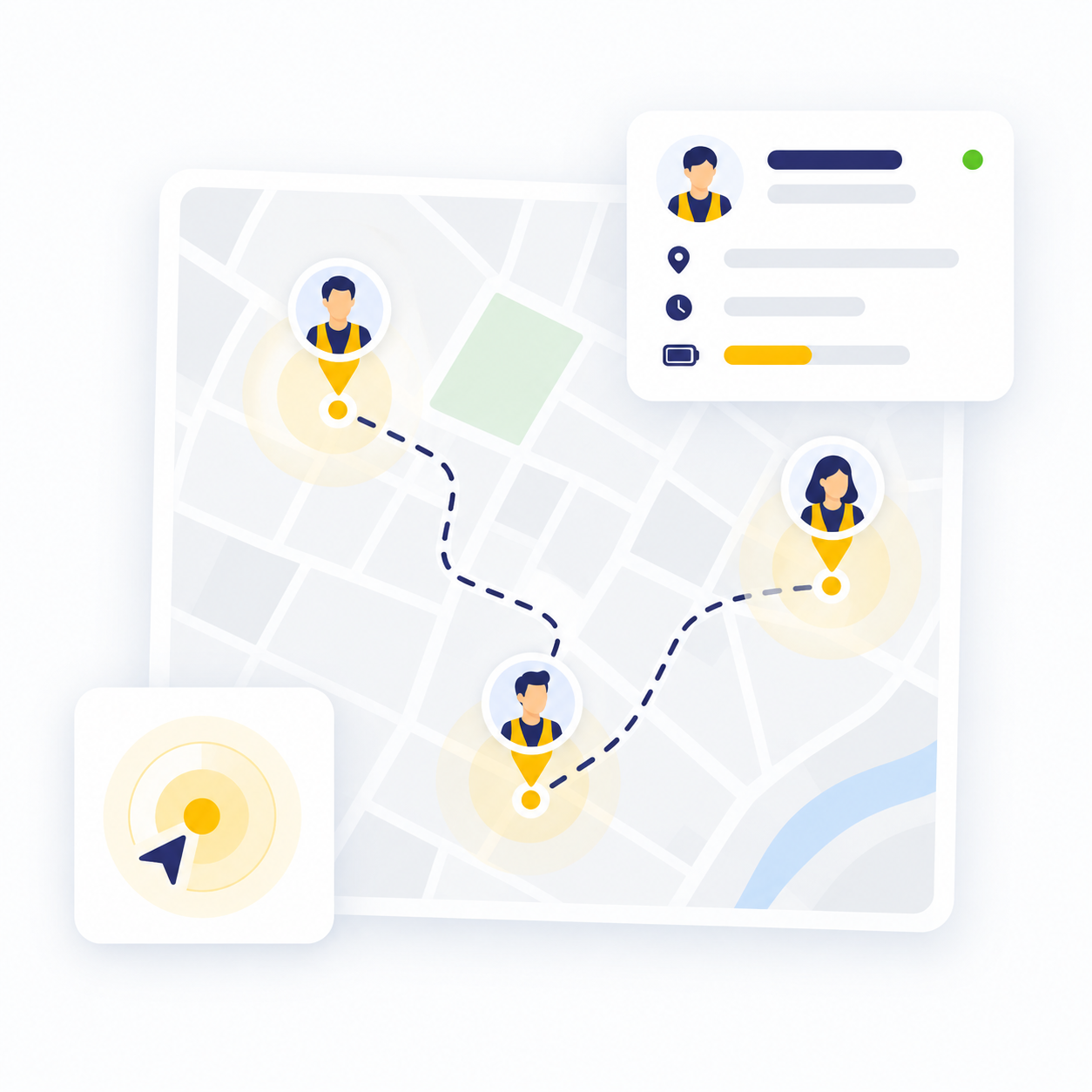
View Employee Locations on the Map
Smart Tracking, More Precise Management
View employee locations on the map while they are on business trips or carrying out field activities, and manage their movements, routes, and attendance status more accurately.
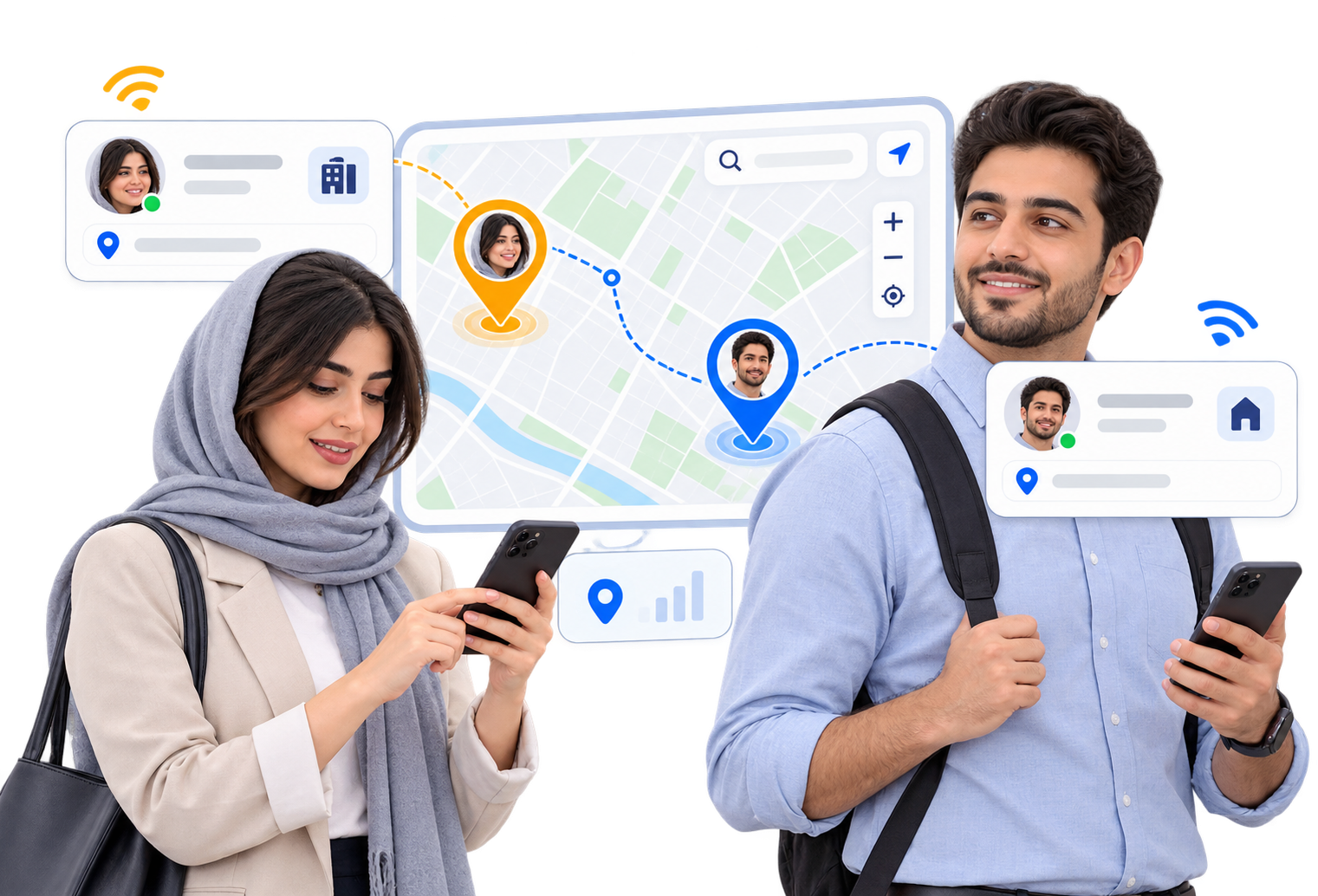
View Locations on the Map
View the locations of authorized employees on the map and monitor their attendance status.
View Travel Routes
Review the routes taken by field employees and completed business trips over different time periods.
Define Work Zones
Define authorized geographical areas and manage employee activities based on their designated work locations.
Location and Attendance History
Keep employee location and attendance records available for future reviews and management reporting.
Smart Control of Field Teams
Use employee location data to better monitor teams working outside the organization and make more informed decisions.
Real-Time Team Status
See which field employees are currently active and when their last recorded location was updated.
Business Trip Monitoring
Verify employee presence at business trip locations and better manage activities carried out outside the organization.
Controlled Manager Access
Specify that each manager can only view the locations of the employees and teams under their supervision.
Field Performance Analysis
Use location data to evaluate team activities, attendance during business trips, and support better decision-making.
Employee Location Features and Capabilities
Manage employee locations, branches, and work zones on a map, and monitor the attendance and movement status of field employees more accurately.
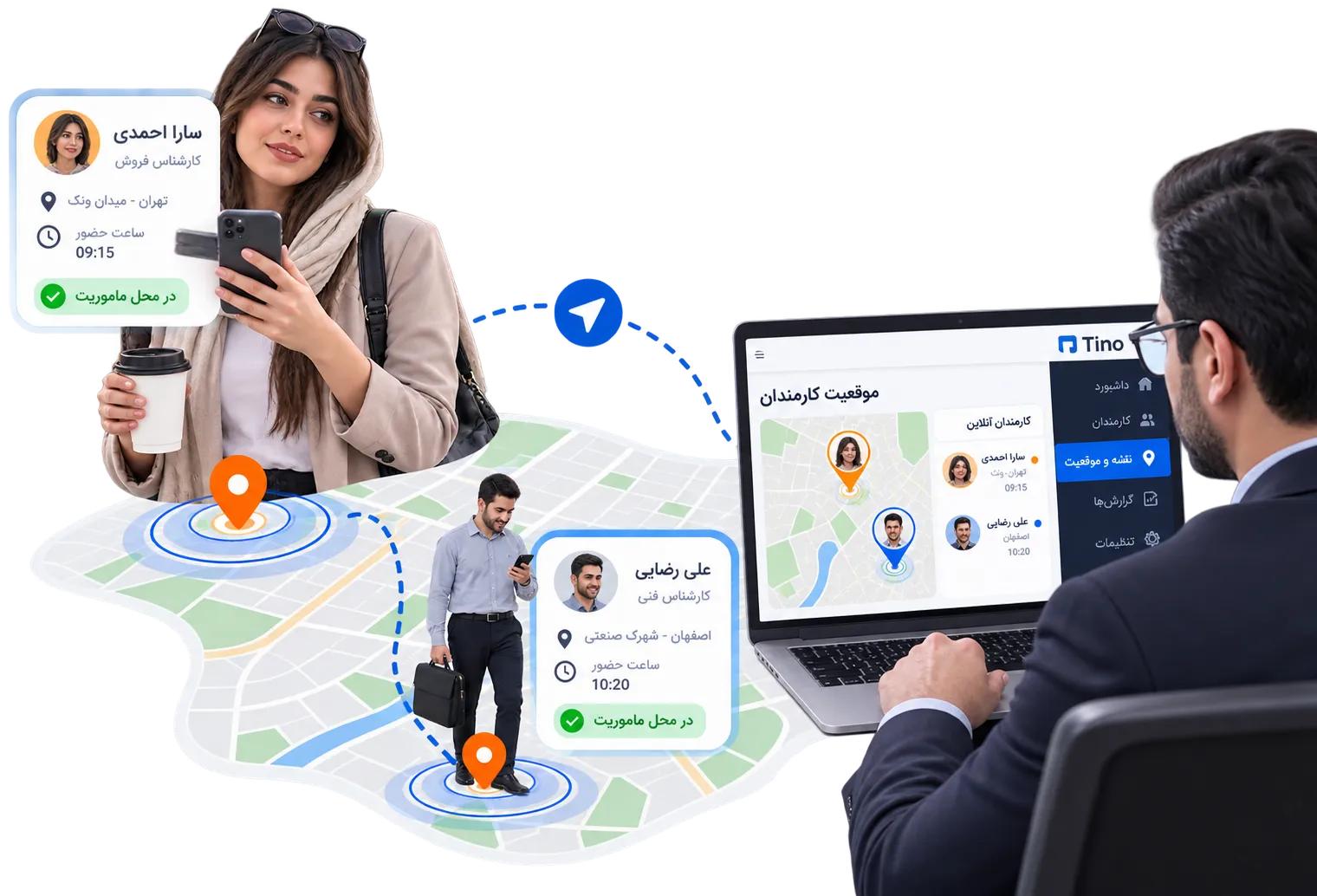
Benefits of Smart Employee Location Management
Use employee location data to monitor field activities more accurately.
Improved Attendance Accuracy
Recording employee locations helps reduce errors in attendance data and activities carried out outside the organization.
Greater Transparency in Field Activities
Managers gain clearer visibility into employee status and activities performed outside the workplace.
Multi-Branch Management
View and manage the status of employees across different branches and work locations from a centralized dashboard.
Better Team Coordination
By knowing employee status, coordinate business trips and daily activities more quickly and efficiently.
Data-Driven Decision-Making
Use recorded location data to better analyze field activities and support workforce planning.
Greater Control and Security
Control access to location information based on managers’ roles so that data is only available to authorized personnel.
Smart Employee Tracking at a Glance
With Tino’s tracking capabilities, view and manage field employee locations, work zones, and activity status on the map.