Tino Integration With ZK Attendance Devices
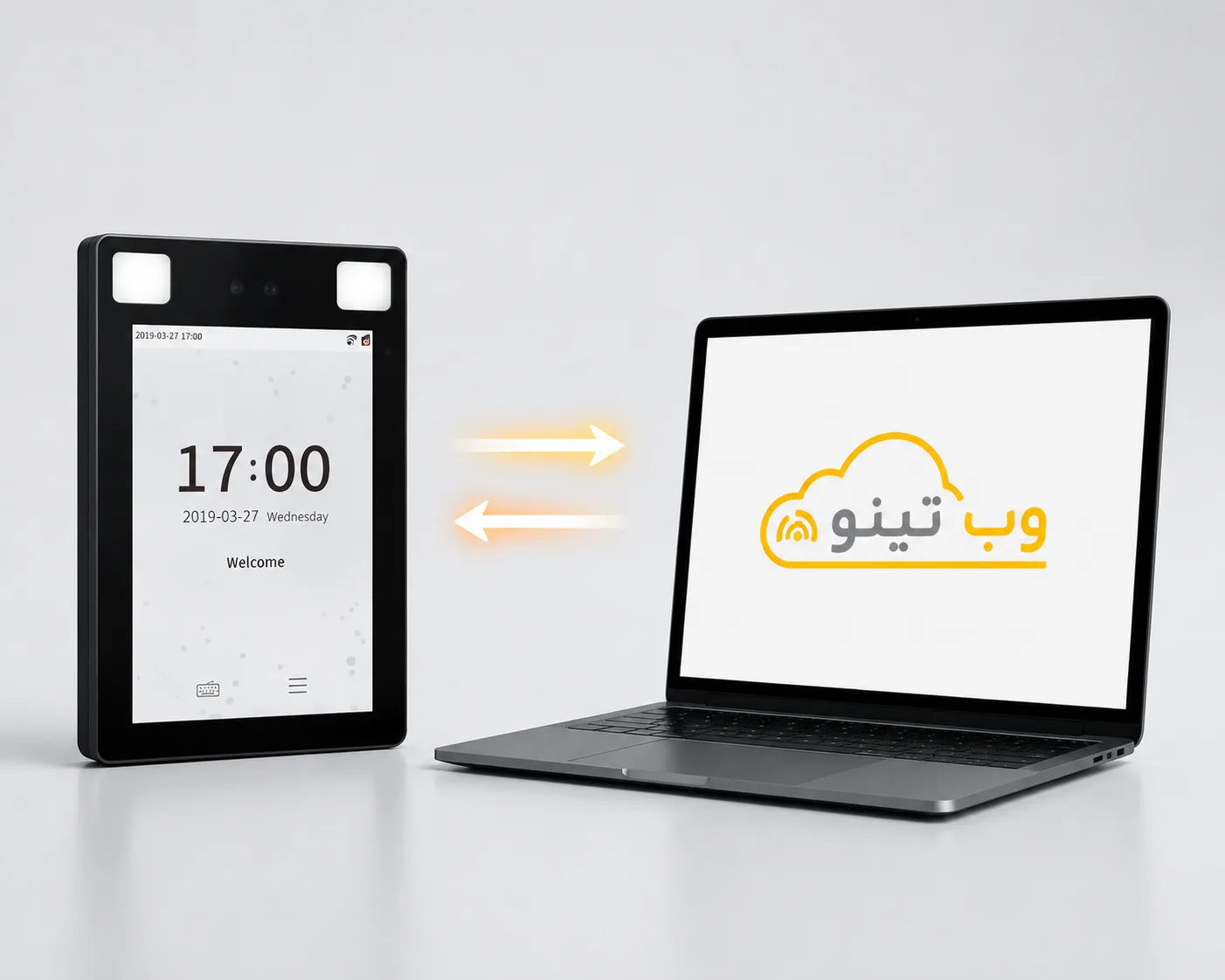
ZKTeco (ZK) attendance devices are among the most widely used brands in the attendance and time-tracking industry, and many organizations and companies rely on these devices. Some organizations choose to switch their attendance software because their current solution lacks the required features or calculates employee work-hour data inaccurately. With Tino, ZKTeco devices can be connected directly to the software, allowing organizations to continue using their existing devices without having to purchase new attendance hardware. Once connected, attendance data is transferred to Tino, enabling organizations to access accurate and practical employee work-hour reports.

Workplace Attendance Tracking
Connect your ZKTeco device to Tino and intelligently manage and analyze attendance data without replacing your existing hardware.
Use Your Existing Device
Organizations can connect their existing ZKTeco device to Tino without purchasing new hardware
Access More Comprehensive Reports
Attendance data from the device is processed in Tino, providing the organization with more practical and comprehensive reports
Accurate Employee Work-Hour Calculation
Manage check-in and check-out data in Tino to calculate work hours, late arrivals, overtime, and undertime accurately
Reduce Organizational Costs
Using existing hardware eliminates the need to repurchase equipment, making the solution more cost-effective
Eliminate Manual Data Entry
Attendance data is transferred directly from the device to Tino, reducing the need for manual data entry
Switch Software Without Replacing Hardware
Organizations can switch their attendance software to Tino without having to replace their existing ZKTeco device
How to Connect a ZK Attendance Device to Tino?
Connect the Device to the Internet
Connect the device to your company’s internet network via Ethernet cable or Wi-Fi.
Register the Device in Tino
In the Tino panel, add the ZKTeco device and enter the required information to establish the connection
Receive and Manage Attendance Data
Once the connection is established, employee attendance data is retrieved from the device and used in Tino to calculate work hours and generate attendance reports.
Ready to Integrate Tino with ZK?
Connect ZKTeco to Tino and manage employee attendance accurately and seamlessly—without purchasing new hardware.