Tino Integration Using Webhooks
Tino uses Webhook technology to enable communication and data exchange with other software applications and systems. Once a Webhook is activated, selected information and events in Tino can be automatically sent to the destination system in real time. This capability helps organizations connect Tino with the software they already use, such as HR systems, payroll solutions, ERP platforms, and other organizational systems, eliminating the need for manual data entry and transfer. As a result, the required information is automatically exchanged between Tino and other software, enabling organizational processes to run faster, more accurately, and with greater coordination.
Why Use Webhooks?
Automatic, Real-Time Data Transfer Between Two Software Systems
Automatic Data Synchronization Without User Intervention
Information is automatically updated and synchronized between systems.
Increased Data Exchange Speed Between Software Systems
Data is transferred quickly between systems without manual processes.
Easy Integration with Various Systems and Services
Enable communication and data exchange with a wide range of software applications and services.
Reduced Need for Processing and Repeated Requests
The destination system does not need to continuously send requests to the source system to retrieve information.
Automatic Delivery of Notifications and Events When Changes Occur
When an event or change occurs, the relevant information is automatically sent to the destination system.
Real-Time Data Transfer Between Systems
Information is sent to the destination system immediately after it is created or updated.
How to Use Webhooks?
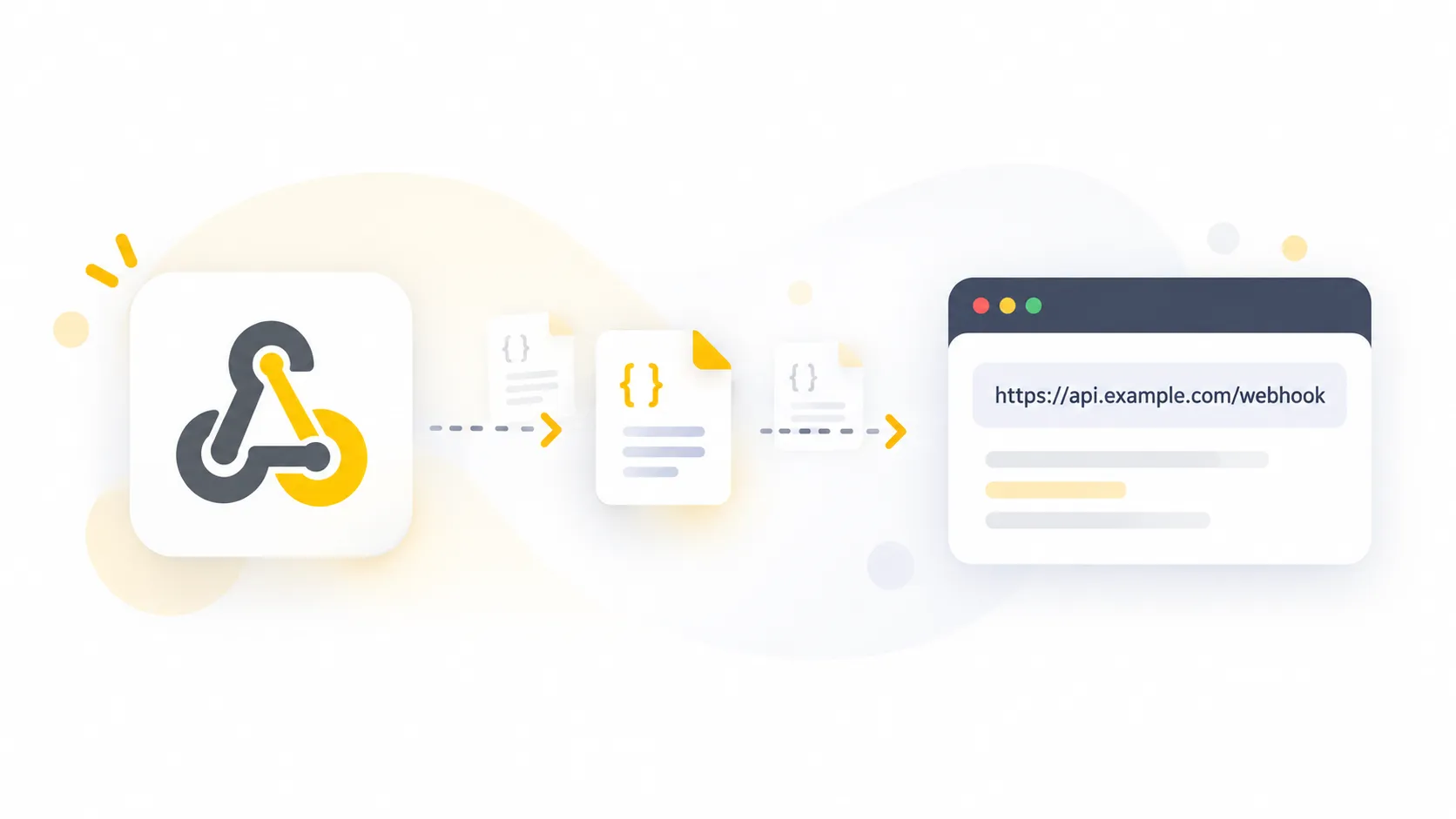
Define the Webhook
Specify the destination system’s URL and the events that should be sent.
Send Data
When an event occurs, the relevant information is automatically sent to the specified URL in real time.
Receive and Process
The destination system receives the information and automatically performs the required actions based on the data.
Which Software Can Tino Webhooks Connect To?
Accounting and Financial Software
Integrate Tino with accounting software to transfer required information and better coordinate financial processes.
HR and Payroll Software
Transfer employee attendance and work-hour data to HR and payroll software.
ERP and Enterprise Software
Connect Tino to enterprise systems and ERP platforms for data exchange and integration of various organizational processes.
Ready to Use Webhooks?
Connect your company’s web-based software to Tino Webhooks and experience faster, simpler, and more automated data transfer and exchange.
AI Facial Recognition Attendance Devices
Record attendance accurately and effortlessly with AI-powered facial recognition attendance devices.
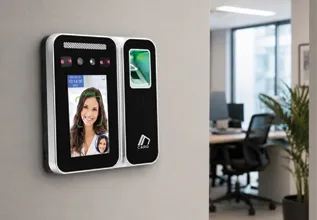
AI Device Model 24F
Attendance device with AI-powered facial recognition and fingerprint recognition.
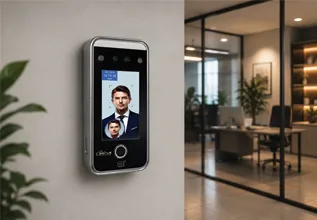
AI Device Model 26F
Attendance device with AI-powered facial recognition and fingerprint recognition.
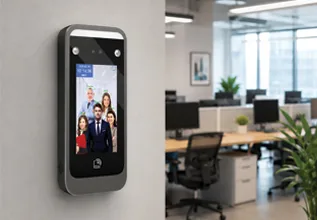
AI Device Model 06
Attendance device with AI-powered facial recognition and simultaneous attendance tracking for up to 5 people.
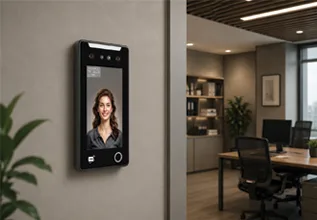
AI Device Model 27F
Attendance device with AI-powered facial recognition and fingerprint recognition, featuring a 7-inch display.
Need Help Choosing the Right Device?
Compare different attendance device models and choose the best option based on your number of employees and your organization’s needs.