Tino Integration With Suprema Attendance Devices Suprema Attendance Devices
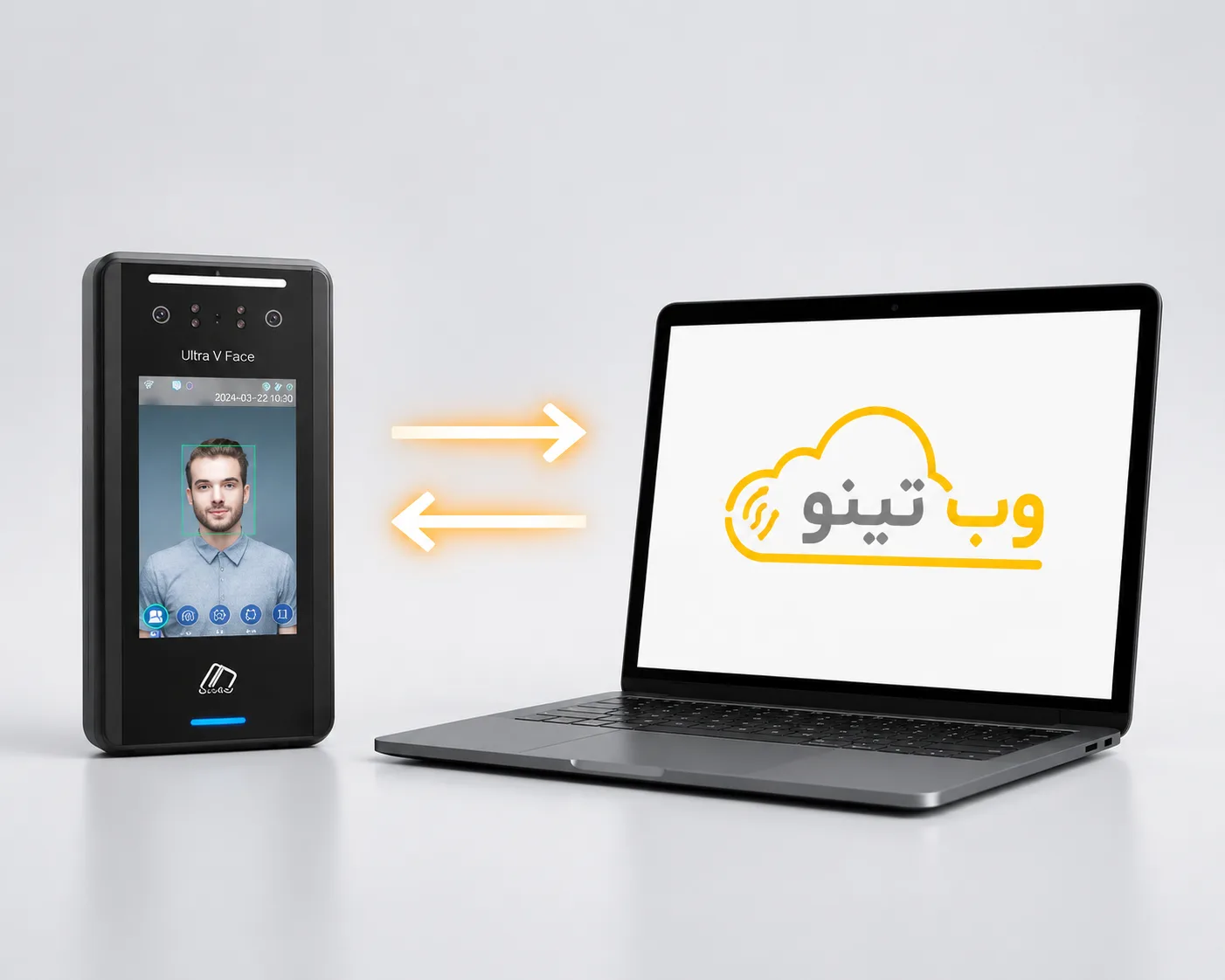
Suprema attendance devices use advanced biometric technologies to accurately record employee attendance across a wide range of organizations. If your organization uses Suprema devices, there is no need to replace your existing hardware to benefit from Tino’s comprehensive attendance management features. Tino enables organizations to receive and manage attendance data recorded by Suprema devices. Once the attendance data is transferred to Tino, it can be used for work-hour calculations and attendance reporting. This allows the data recorded by Suprema devices to work alongside Tino’s software capabilities. As a result, organizations can continue using their existing hardware while managing employee attendance through one integrated system.

Why Choose This Integration?
Sample Features Introduction
Continue Using Your Existing Suprema Device
Manage employee attendance in Tino without replacing your existing hardware.
Transfer Attendance Data to Tino
Data recorded on the device is transferred to Tino and used within the attendance management system.
Calculate Work Hours Based on Actual Attendance
Tino processes the received data to calculate work hours, overtime, undertime, and late arrivals.
Align Device Data with Attendance Processes
Attendance data recorded by Suprema devices is analyzed according to Tino’s attendance rules and settings.
Generate Reports from Device Data
Suprema attendance data is transformed into practical attendance reports in Tino.
Upgrade Your Software Without Replacing Hardware
Organizations can switch their attendance management software to Tino while continuing to use their existing Suprema devices.
How to Connect a Suprema Attendance Device to Tino?
Connect the Device to the Internet
Connect the device to the internet via network, Wi-Fi, or LAN cable and configure its communication settings.
Register the Device in Tino
Enter the device’s connection details, such as its IP address and port, in Tino’s connection settings so the device can be identified.
Record Attendance on the Device
Record employee attendance using the device to access attendance reports through Tino.
Ready to Integrate Tino with Suprema?
Connect your Suprema attendance device to Tino and manage employee attendance accurately and seamlessly—without purchasing new hardware.