Tino Integration With Anviz Attendance Devices
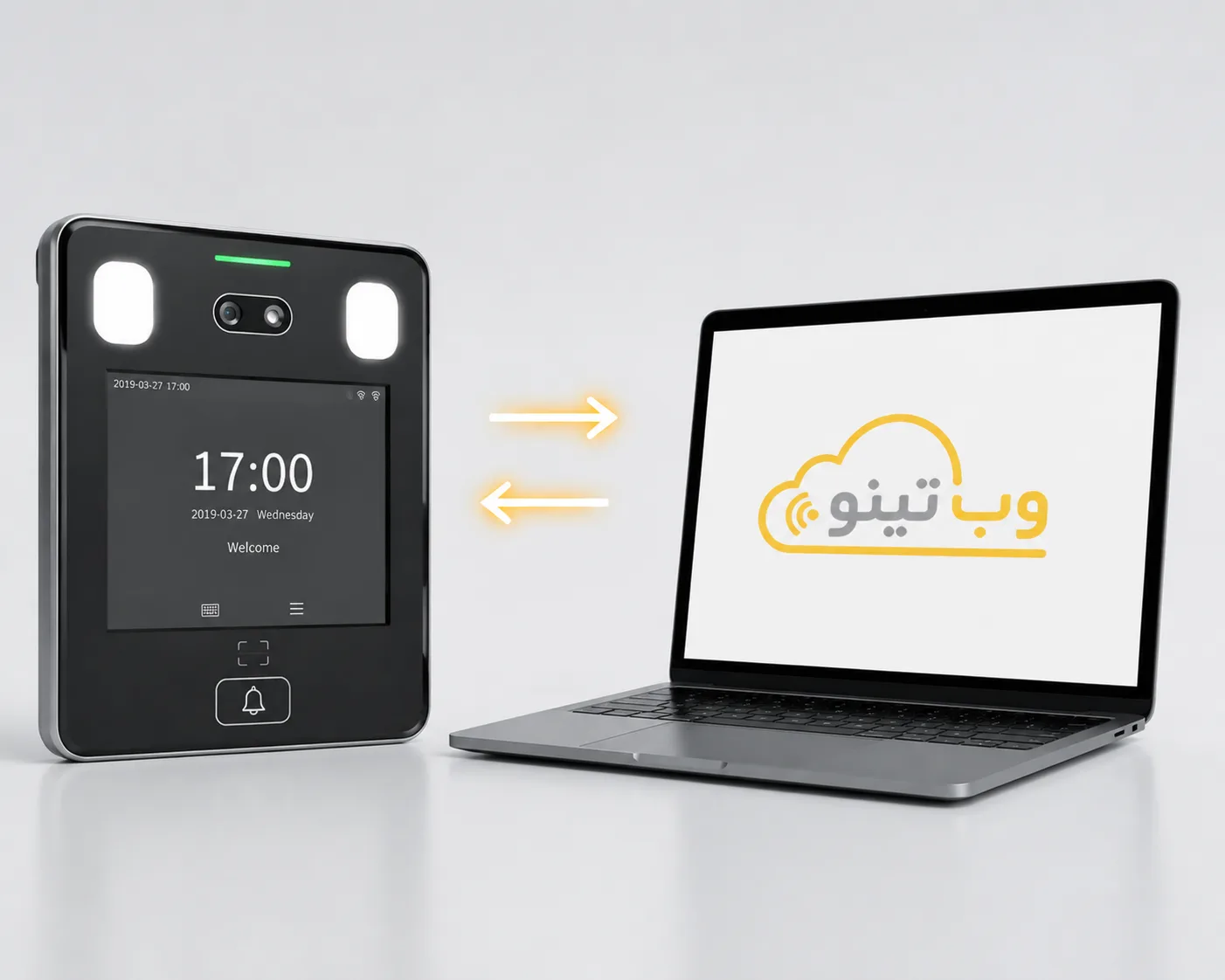
If you use Anviz attendance devices, you do not need to replace your existing hardware to benefit from the full capabilities of Tino’s attendance software. Tino supports Anviz devices and can receive employee attendance data recorded by them and make it available in the attendance management system. This allows check-in and check-out records, work hours, and other attendance-related data to be managed in Tino, providing you with more accurate and practical reports. This integration helps you manage employee attendance more simply and seamlessly without making changes to your existing hardware.

Why Integrate Tino with Anviz?
Integrate Anviz with Tino to centrally record, process, and report employee attendance data.
Centralized Data in Tino
Manage attendance data recorded by Anviz devices in a centralized environment within Tino.
Better Employee Performance Analysis
Use attendance data as a basis for more accurate analysis of employee work performance.
Simplified Attendance Management
Device data is directly integrated into Tino’s attendance management processes.
Access Information Anytime
Managers can review employee attendance data and related reports through Tino at any time.
Attendance Data Aligned with Custom Rules
Raw data recorded by the device is processed in Tino according to the organization’s configured attendance rules.
Enhanced User Experience
By integrating Anviz with Tino, the attendance device and attendance management software work together seamlessly, making employee management simpler and more efficient.
How to Connect an Anviz Attendance Device to Tino?
Establish Device Connectivity
Connect the Anviz device to the internet via network, Wi-Fi, or LAN cable and configure its communication settings.
Identify the Device in Tino
Enter the device’s connection details, such as its IP address and port, in Tino’s connection settings so the device can be identified.
Receive and Process Attendance Data
Once the connection is established, Tino retrieves the data recorded on the device and processes it for work-hour calculations and attendance reporting.
Ready to Integrate Tino with Anviz?
Connect Anviz to Tino and manage employee attendance accurately and seamlessly—without purchasing new hardware.