How Can Tino Help Address Fake GPS, QR Screenshot Sharing, and Attendance Fraud?
Preventing inaccurate attendance records requires more than choosing a check-in method. Businesses should consider location validation, identity verification, QR code security, and traceable attendance records. Tino offers attendance management through methods that include GPS, QR codes, mobile devices, and attendance terminals. However, the availability of a check-in method does not automatically confirm that every form of fraud is detected or blocked. Businesses should verify the specific anti-fraud controls available in Tino during a demo or free registration.
What Is Fake GPS, and How Can It Affect Attendance Records?
Fake GPS refers to tools or settings that alter the location reported by a device. If attendance software relies only on reported GPS coordinates, an employee may attempt to check in from somewhere other than the designated workplace.
GPS coordinates alone do not prove physical presence. When evaluating web-based attendance software, ask whether it can detect location spoofing, restrict check-ins to an approved area, or flag suspicious records for review. These capabilities vary by product and should be confirmed with the provider.
Is QR Code Clock-In Secure Against Fraud?
QR code clock-in can make attendance recording faster, but its security depends on how the system works. If a QR code is static or can be reused, an employee may photograph it and share the image with someone who is not physically present.
Before choosing a QR-based attendance method, evaluate the following controls:
-
Code validity: Does the code expire or change after a defined period?
-
Reuse restrictions: Can an old code be submitted again?
-
Location validation: Must check-ins take place within an approved area?
-
User association: Is each attendance record linked to a specific user account?
-
Review and traceability: Can managers investigate unusual records?
These controls should be confirmed for the selected product. QR code functionality alone does not guarantee fraud prevention.
Common Attendance Fraud Risks and Controls
| Risk | Limitation of a basic method | Controls to evaluate |
|---|---|---|
| Fake GPS | Reported coordinates may not reflect the real location | Spoofing detection, approved location boundaries, and suspicious-record review |
| Shared QR screenshot | A photographed code may be sent to another person | Time-limited or dynamic codes, reuse restrictions, and location checks |
| Proxy clock-in | Credentials or codes may be shared | Risk-appropriate identity verification and review of unusual records |
| Check-in from outside the workplace | Online access does not prove physical presence | Location validation and attendance policy enforcement |
| Manual record changes | Untracked edits can make records difficult to verify | Change logs, role-based permissions, and approval workflows |
How Can an Employee Time Clock Help?
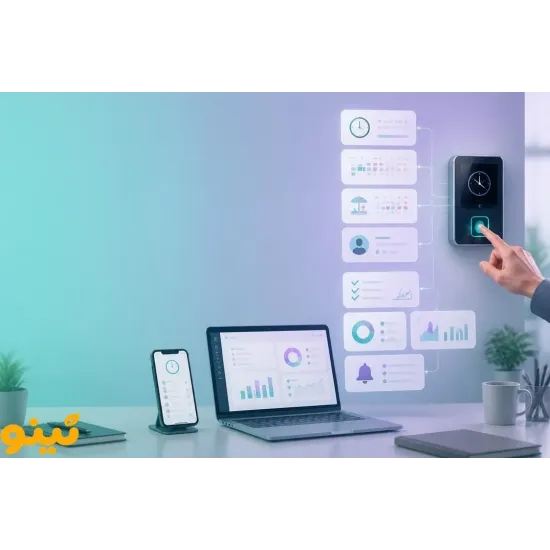
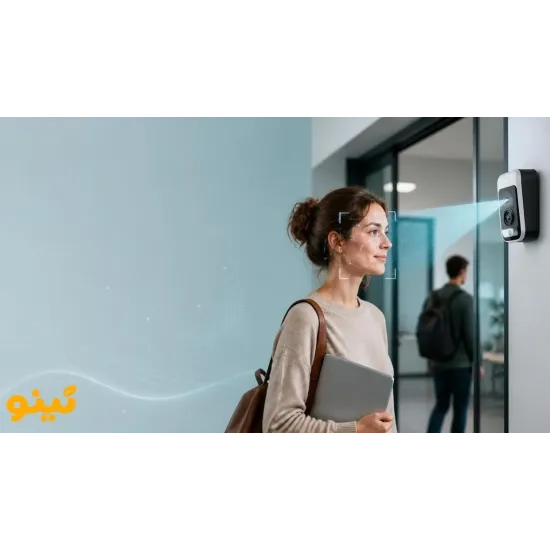
An employee time clock may be suitable when attendance must be recorded at a designated physical location. Depending on the device, fingerprint or facial recognition can reduce reliance on shareable cards or codes. However, every identification method has limitations, and the choice should account for workplace conditions, employee privacy, and operational requirements.
Combining a time clock with attendance management software can help businesses organize records and generate reports. Before purchasing, verify device compatibility, data transfer options, and the reporting functions available.
What Should You Ask an Attendance Software Provider?
When evaluating an employee attendance system, do not focus only on the number of check-in methods. Ask these questions:
-
Can the system detect or flag GPS spoofing?
-
Are QR codes static or time-limited, and can reuse be restricted?
-
Can check-ins be limited to an approved location or time window?
-
Are attendance records and subsequent changes traceable?
-
Who can access attendance data, and how is it protected?
-
What happens if GPS, the camera, or the internet connection fails?
Evaluating Tino Attendance Management Software
Tino is a web-based attendance management solution that lists several attendance methods, including devices, mobile check-ins, GPS, and QR codes. It also supports online attendance management. These features should not be interpreted as a guarantee that all types of attendance fraud are automatically detected.
Visit Tino's attendance management page and ask about GPS spoofing detection, QR code validity, check-in restrictions, and change logs. You can also use Tino's free registration page to explore the platform and assess whether its available attendance methods fit your company's workflows.
Conclusion
Reducing attendance fraud requires more than relying on a QR code or GPS coordinates alone. Code validation, location checks, suitable identity verification, and traceable records can help improve the reliability of attendance data when combined with clear workplace policies. Before choosing attendance management software, test the relevant features and understand their limitations.
FAQ
Can Fake GPS manipulate attendance records?
If a system relies only on reported GPS coordinates, location spoofing may create a risk. The ability to detect fake locations depends on the software's technical controls.
Is a QR code screenshot enough to clock in?
In systems using static codes, an image may be shared with another person. Time-limited codes, reuse restrictions, and additional verification can reduce this risk.
Is an employee time clock more secure than software?
Neither method is always more secure in every situation. Security depends on identity verification, the workplace, the check-in process, and how records are managed.
How can I evaluate Tino's anti-fraud capabilities?
During a demo or product evaluation, ask about GPS spoofing detection, QR code validity, location restrictions, and change logs. Test the relevant capabilities rather than assuming they are included.